




.png)

You might want to reconsider if you think automation means posting less content or fewer interactions with fans. Automation is all about using systems to handle repetitive tasks, while you focus on what requires a personal touch.
OnlyFans automation requires more than one tool. As a creator, you’ll need multiple tools to handle different parts of your account. For example, you can use specific tools for aspects like content delivery, scheduling, and chat automation.
The right set of AI automation tools can change how you operate as a creator. These tools automate repetitive tasks, like assisting with DM replies and content distribution.
This guide explores the top AI tools you need to automate OnlyFans. Each tool has its own unique role, and when used together, they can turn your hectic manual tasks into a smooth, scalable operation.
1. Supercreator: The Revenue Engine

You can consider Supercreator the brains of your OnlyFans automation. The platform acts as the engine that turns all the aspects of your account into income.
While other tools help you create and distribute, Supercreator focuses on what happens after fans arrive in your inbox. The platform lets you set up automations for repetitive chat scenarios, such as welcome and win-back messages. It also tracks fan behaviors and spending habits, sequences offers, and helps reduce missed revenue opportunities. Plus, Supercreator automatically notifies you when the conversation needs a human touch, especially during chats with high-value fans.
Features
- Automates chat flows: Fans receive customized automated replies based on their spending habits and past preferences. The message flows may cover common scenarios like welcome and win-backs.
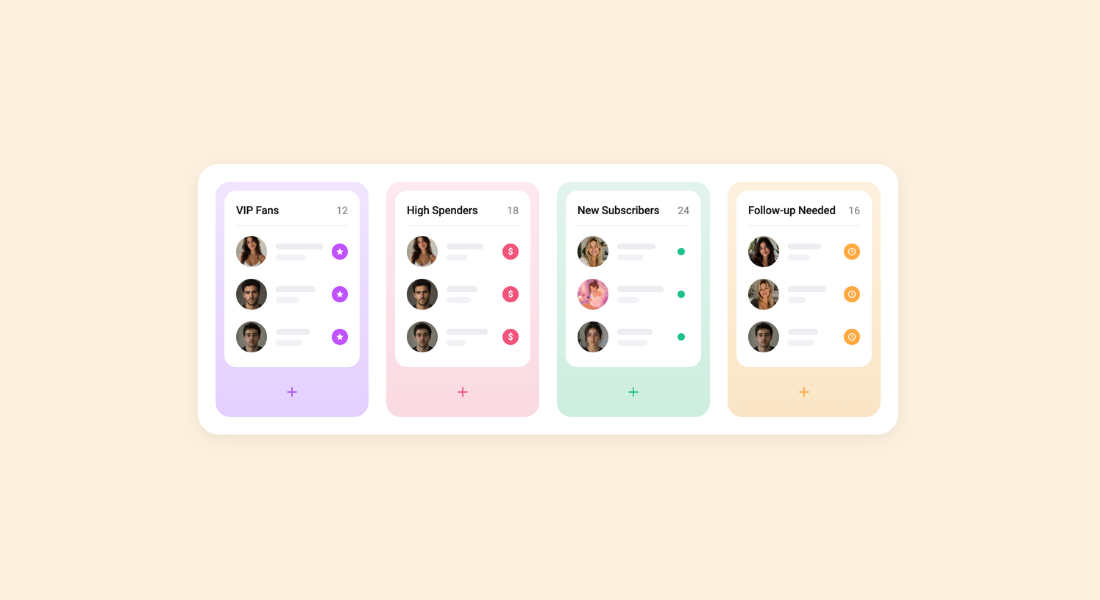
- Tracks fan behavior: Supercreator logs every fan interaction, including their preferences, most purchased content, online activity, and total amount spent.
- Resells proven content: Your top-performing PPVs and bundle offers get delivered to fans who have yet to see them. This feature removes the need to constantly create fresh content, as existing content is reused for new fans.
- Maintains structured message funnels: Supercreator uses message flows to move fans from entry offers to premium content. The flows may adapt based on spending habits and engagement.
- Connects analytics to monetization: Supercreator not only reports analytics data, but also lets you use it to map out your next strategy.
Pros: Built specifically for OnlyFans monetization. Ties analytics directly to chat automation. Scales well for agencies managing multiple accounts.
Cons: The most powerful features (Message Flow, AI chatter) are locked behind the $99 plan. Pricing is per account, so costs scale with your roster.
Pricing: Free (CRM Lite, up to 10 accounts) / $15/account/month (CRM Premium) / $99/account/month (Super AI, includes Message Flow and full automation) / Enterprise pricing available for 20+ accounts.
2. GPTease: AI for Sales Conversations and Scripts
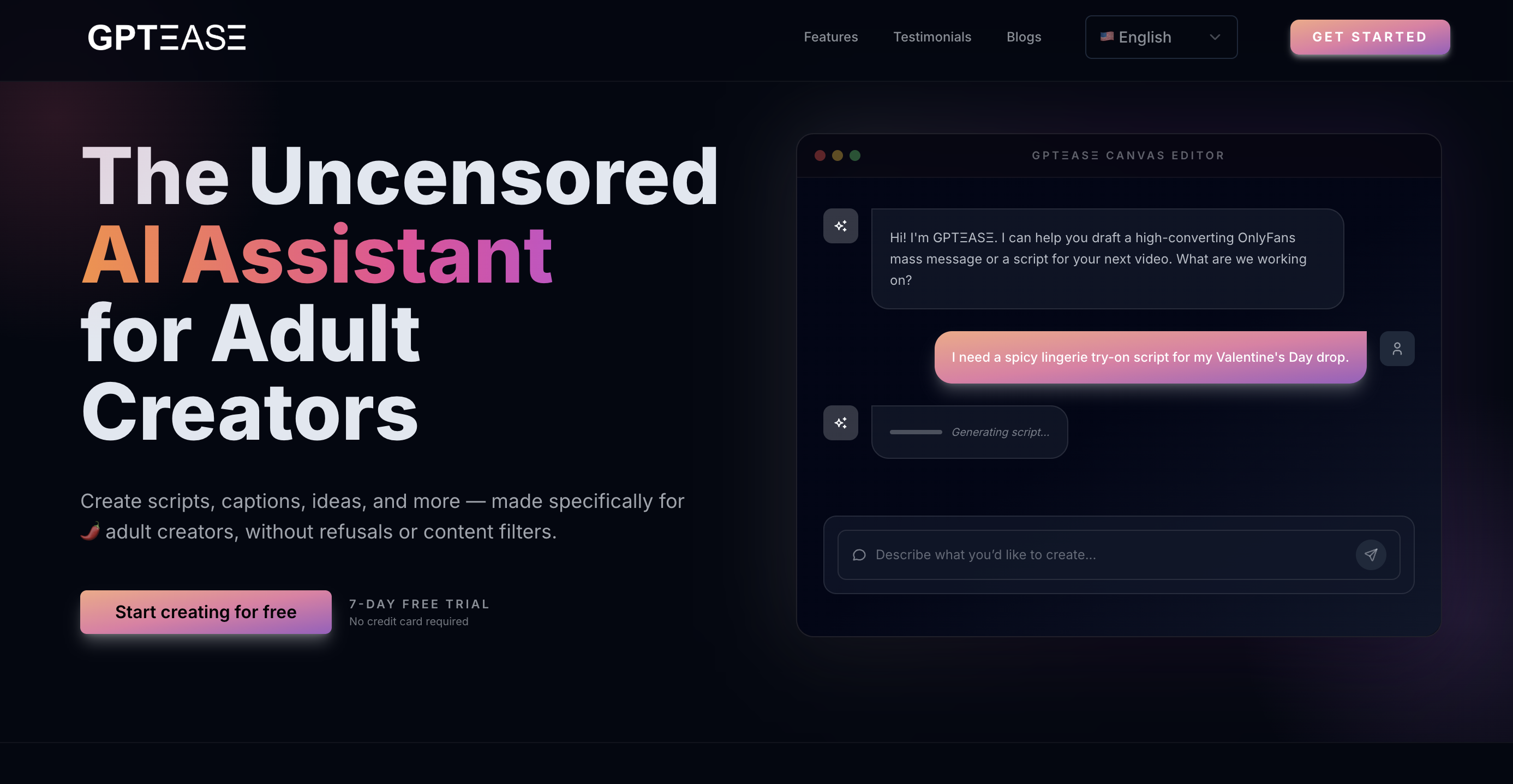
GPTease uses AI technology to help creators with repetitive conversations, such as welcome messages and follow-ups. It can create a natural-sounding response to DMs from fans. Plus, it offers specific replies by considering factors like the fan’s preference, your unique tone, and your current offers. It also comes with ready-made scripts and sequences to handle almost any situation.
Features
- Chat scripts: GPTease offers various chat scripts to handle different situations. For example, you can implement a win-back script if a fan went quiet and you need to re-engage without sounding desperate.
- Sales prompts: GPTease structures pitches that convert by considering the fan’s preferences, hours spent online, and spending habits.
- Promotional sequences: It features various ready-to-use sequences, such as teasers, reveals, follow-ups, and last-chance offers.
- Pricing conversations: GPTease helps you navigate pricing conversations without sounding transactional or awkward.
Pros: No content restrictions, so NSFW scripts and mass message copy work without workarounds. Good for bulk script generation.
Cons: Copy and scripts only; no account connection, no fan behavior tracking. You'll still need a separate tool for chat management and monetization.
Pricing: $39.99/month for unlimited access.
3. Sozee: AI for Content Variation and Expansion

Sozee is an AI content studio built specifically for creators who monetize visual content. The core idea is simple: Upload reference photos of yourself, and Sozee generates new images in different scenes, outfits, and locations. It's best used for content variation between real shoots, not as a full replacement.
For OnlyFans creators, that means you're no longer limited by how often you can physically shoot. You can generate a full month of content in an afternoon, fulfill custom fan requests on demand, and keep your feed active without burning out.
Features
- Generating content from your likeness: Upload reference photos, and Sozee places you in different scenes, outfits, and locations. Results vary by prompt and reference quality.
- Image and video in one platform: Sozee handles photos, short videos, and voiceovers, so you're not juggling multiple tools for different content types.
- No technical setup required: There's no model training or learning curve. Upload, prompt, generate.
- NSFW content supported: Built with monetizing creators in mind, so it supports the type of content that actually drives revenue on OnlyFans.
Pros: Removes the dependency on physical shoots for content variation. NSFW supported natively. Agency plan handles multiple creator likenesses under one subscription.
Cons: Credit-based model means heavy users burn through their allocation quickly. Output quality depends on the consistency of your reference photos.
Pricing: Starter $14.99/month (~30 AI images) / Creator $59.99/month (~150 AI images) / Agency $149.99/month (~450 AI images, 3 character slots, 5 team seats).
4. ChatGPT or AI Copilots: Your Operations Manager

ChatGPT or AI copilots function like a personal assistant. They basically help to remove the bottleneck of content planning. With a simple prompt, creators can structure a month’s worth of content and map out promotion strategies. The key advantage is that you can refine the prompt to create more specific results. These tools save you hours spent planning out content.
Features
- Creating content calendars: ChatGPT makes it easy to turn your ideas into practical content calendars, freeing you from the ongoing hassle of organizing themes.
- Brainstorming campaign ideas: ChatGPT offers fresh ideas when trying out new campaign ideas. It may generate multiple approaches that you can test out, from different hooks to CTAs.
- Drafting replies to inactive fans: You never run out of ideas for re-engaging fans on your OnlyFans. The AI tools generate variations of follow-up messages that you can quickly adapt and personalize.
- Organizing promotional flows: These tools help you arrange your messages in a logical order, saving you time and effort in planning. They automatically sequence message scripts from teasers to reveals to follow-ups.
- Structuring offers: They help to frame your pricing bundles and scarcity so that they resonate with the target audience.
Pros: Versatile and cheap; useful for planning, scripting, and brainstorming across every part of your workflow.
Cons: Content restrictions limit NSFW use cases. No native connection to your OnlyFans account or fan data, so outputs need manual context every time.
Pricing: Free / $20/month (Plus).
5. Buffer: Scheduling and Automation

Your OnlyFans automation stack doesn't stop at the platform itself. The feeder channels (Instagram, TikTok, X) drive the subscribers who end up in your DMs. Tools like Buffer keep that promotional funnel running on a schedule, so fresh traffic keeps arriving while you focus on chat monetization inside Supercreator.
What this tool actually helps with is keeping your promotional presence consistent across platforms like Instagram, TikTok, and X. Instead of figuring out what to post and when every single day, you map it out once and follow the plan.
Features
- Content calendar planning: Map out themes, campaigns, and promotional posts weeks in advance so you're never scrambling for ideas.
- Cross-platform social scheduling: Schedule promotional content across your social channels from one place, with captions tailored per platform.
- Reduced daily friction: Set your posting plan once and follow it. Less time spent deciding what to do, more time spent actually doing it.
Pricing: Free plan available (up to 3 channels) / paid plans from $6/month.
Pros: Keeps your off-platform promotional presence consistent without daily effort. Low cost and easy to set up.
Cons: Does not post directly to OnlyFans. Drives traffic to your page but has no impact on what happens in the DMs.
Also worth considering: Later for visual content scheduling and Notion for mapping out content calendars and campaign flows.
How These Tools Work Together
These tools handle specific parts of your OnlyFans automation so nothing falls through the cracks.
Supercreator is the layer that ties everything together, tracking fan behavior, sequencing offers, and turning conversations into revenue. The other tools feed into it: scheduling tools drive traffic to your page, Sozee and ChatGPT handle content and planning, and GPTease supports chat scripts. Everything flows toward monetization.
Automating an OnlyFans account requires using the right set of tools in the best sequence. So, build your automation system using these tools and let it run while you focus on more creative tasks.




.png)
