

Run Exclusions
From Your Fan Lists
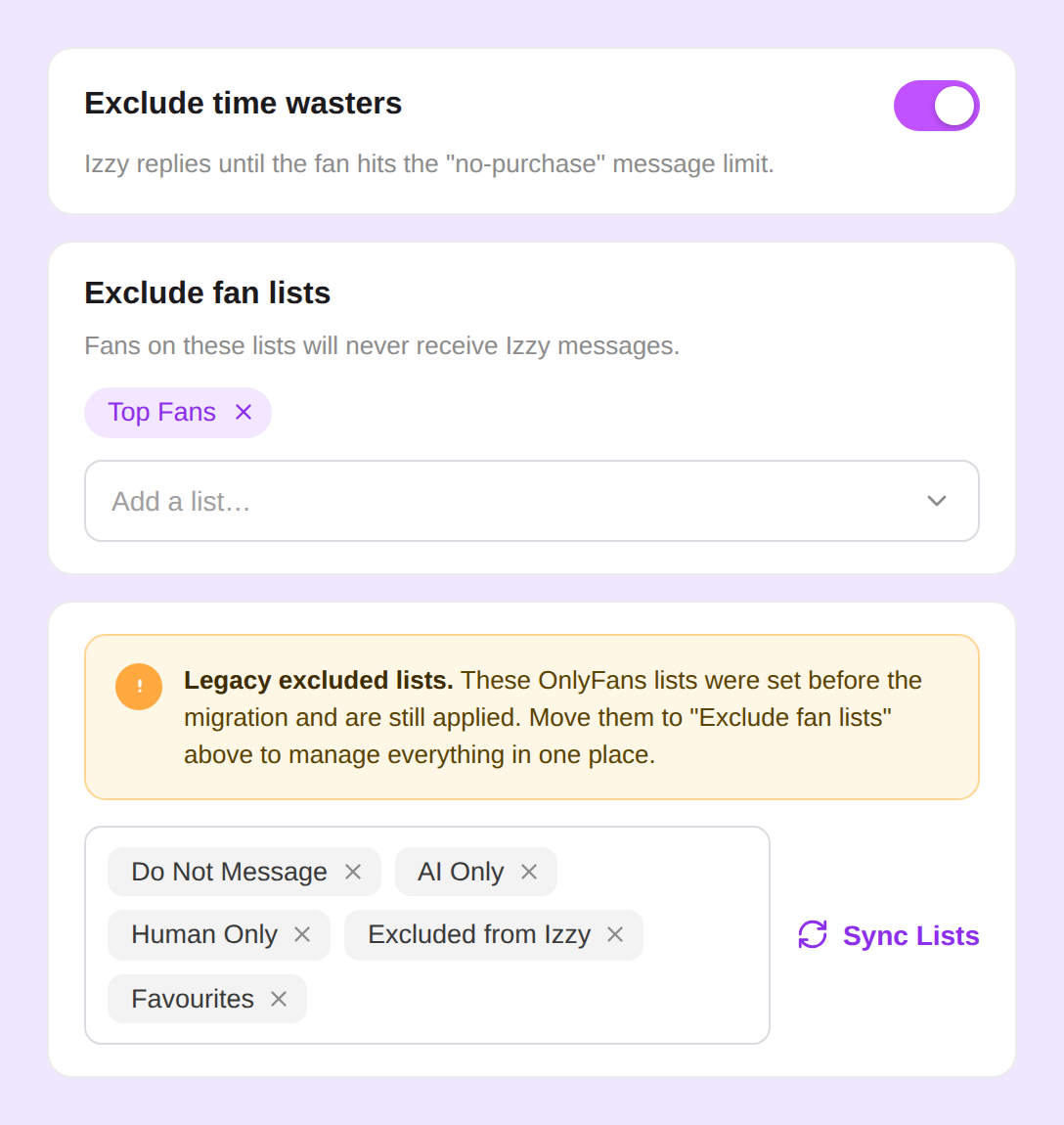
Add any custom fan list to your Izzy and Bumps exclusions, switch off the rules you don't need, and manage everyone you want to skip from one place.
Add any fan list
to your exclusions
Customers with Fan Lists can drop any custom list straight into their Izzy and Bumps exclusion settings. Fans on those lists are skipped automatically — across both features.
- Works for both Izzy and Bumps
- Use spend-based or manual lists
- Remove a list in one click
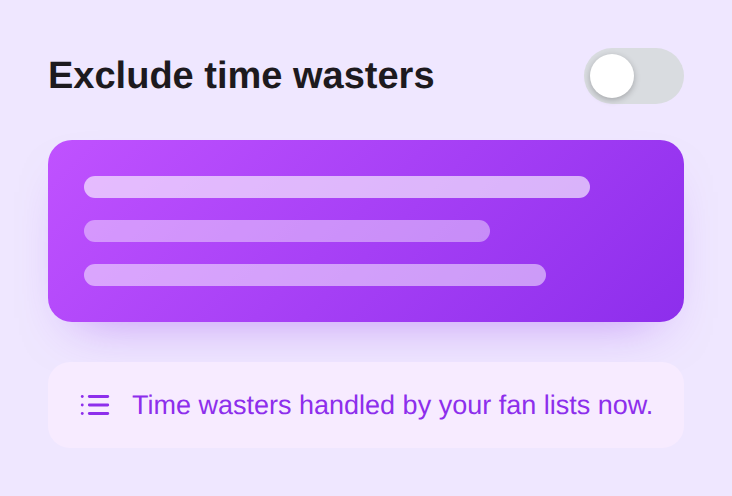
Switch off time wasters entirely
Don't want the built-in time-waster rule? You can now turn it off completely and handle time wasters with your fan lists alone.
- Turn the rule off in one click
- No escalation thresholds to tune
- Manage time wasters from a list
Centralize every exclusion
Your exclusions live in the same Izzy and Bumps drawers you already use.

Bring fan lists to your exclusions
Fan Lists exclusions are rolling out now. Switch it on for your team and run Izzy and Bumps from the lists you already use.


"Managing who Izzy skips used to be scattered across a dozen rules. Now it's just my lists — one place, and it covers Bumps too."


Frequently Asked Questions
What are fan list exclusions?
Couldn't find an answer?


