


Activity & Message Logs for OnlyFans teams
Every important event your team performs through Supercreator, on one timeline. Logins and logouts, messages sent, mass messages, bumps, and Izzy activity, filterable by creator, chatter and action type, and exportable when you need a record.


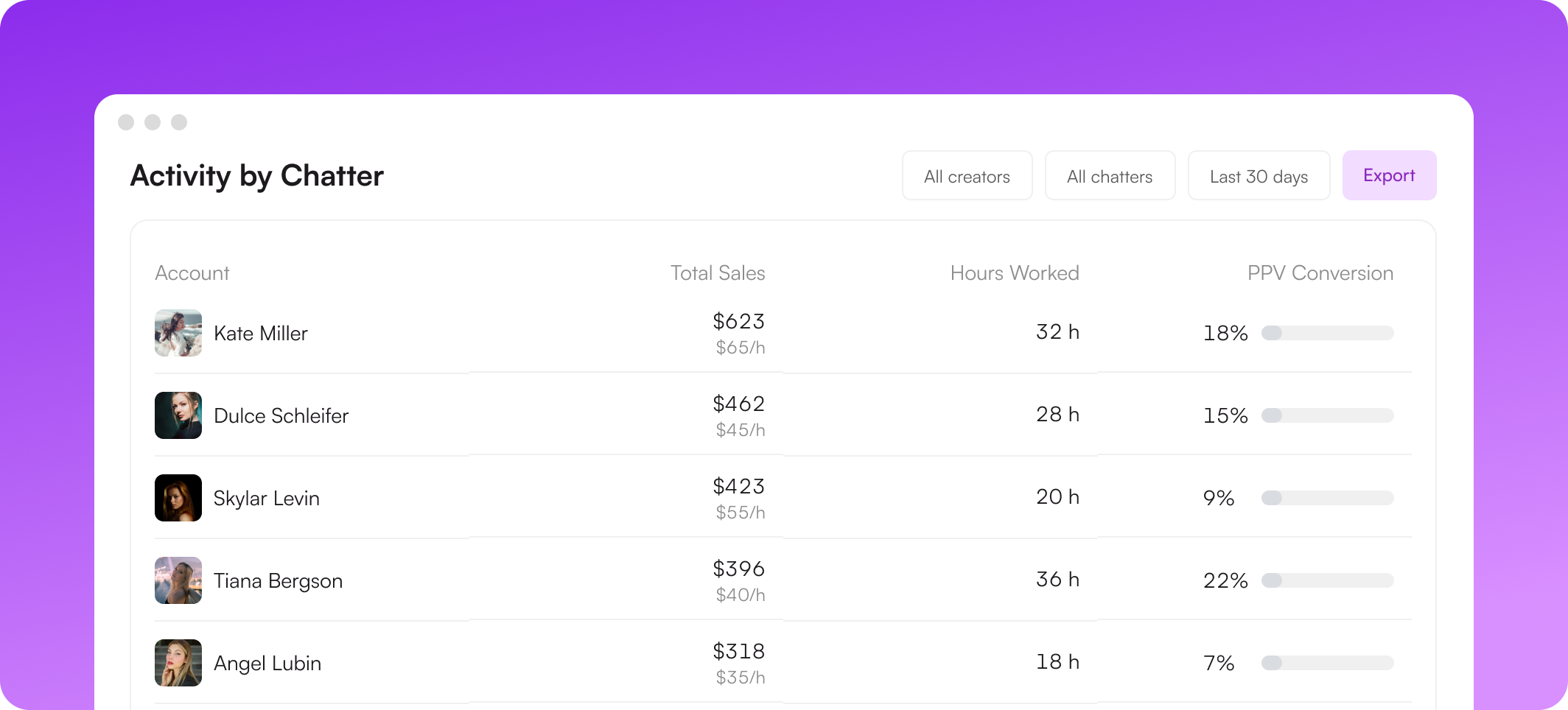
What the activity log gives you


One timeline for the whole operation
The log records important events performed through Supercreator, from the console and from the OnlyFans UI inside the desktop app. Logins and logouts, message activity, mass messages, bumps, and automation events all land on the same timeline, so you stop reconstructing what happened from screenshots and memory.
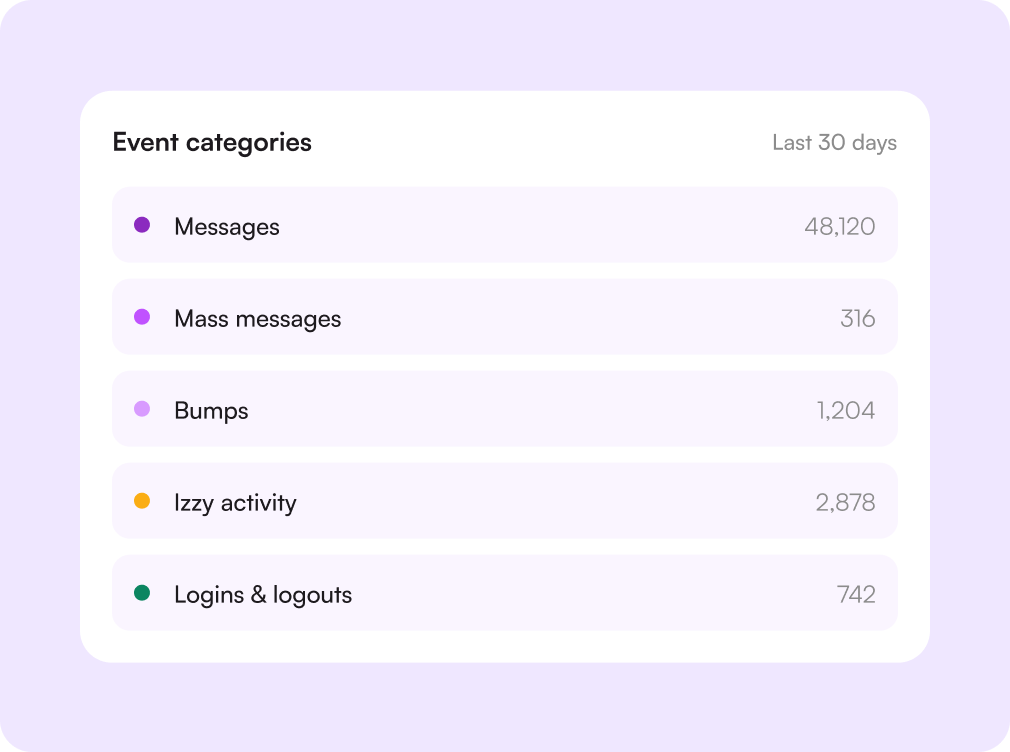
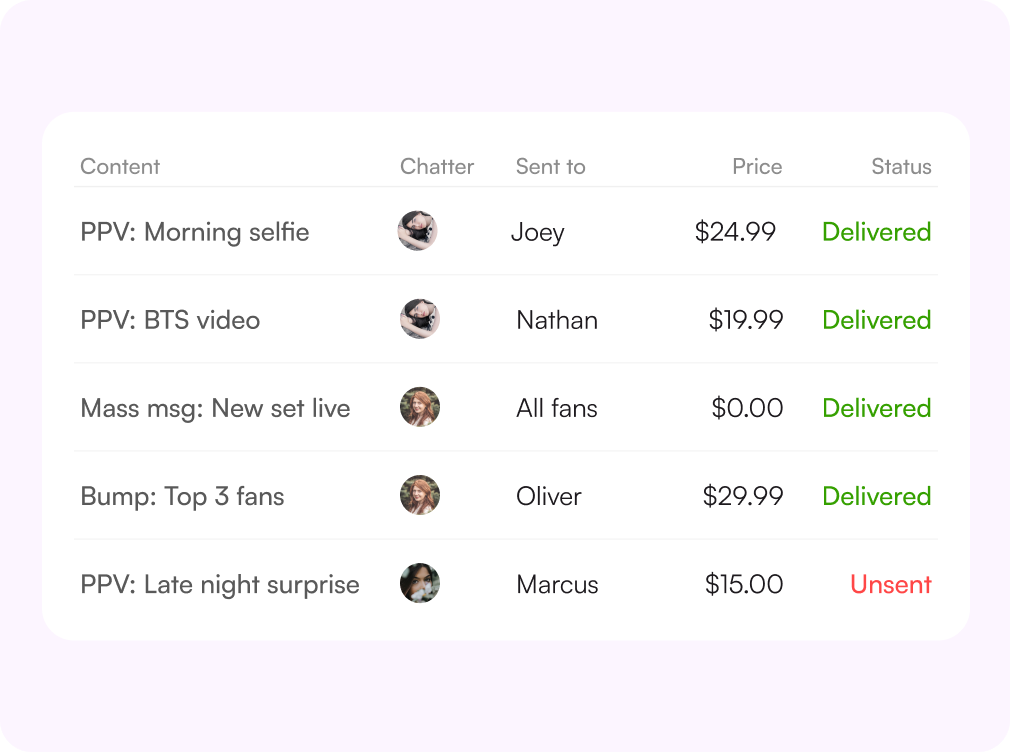
See the message, not just the event
The Messages view keeps the content alongside the record: what was sent, to whom, at what price, by which chatter, and whether it was later unsent. Filter by action type when you only want PPVs, mass messages, or bumps.
Filters
Narrow it down to one shift
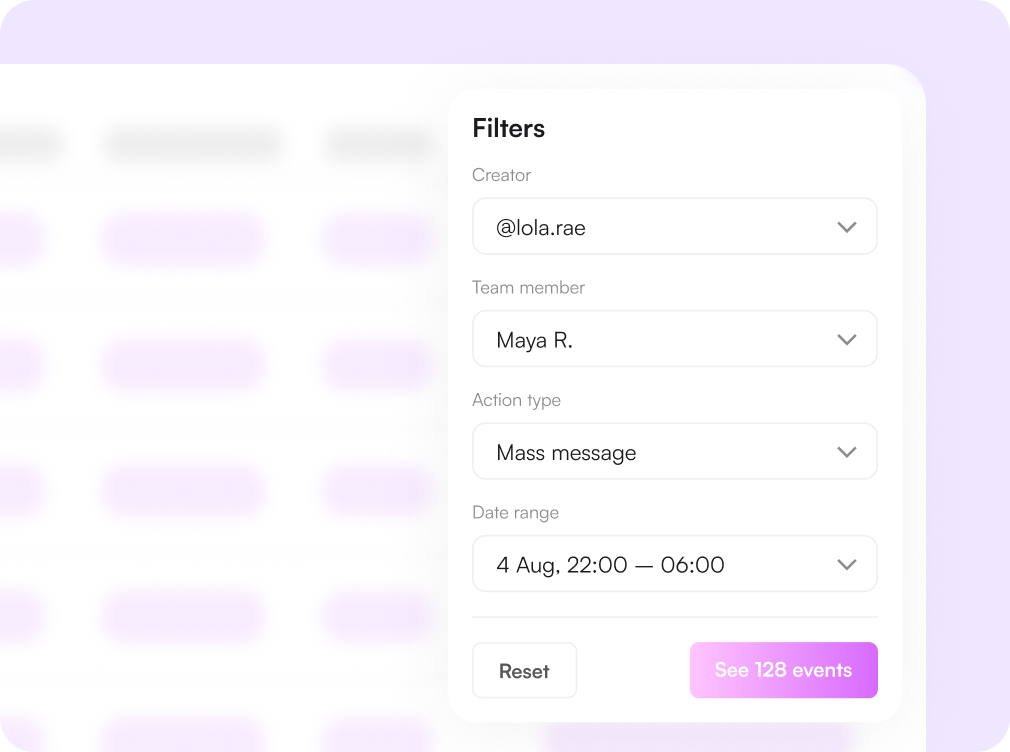
Filter by creator or creator group, by team member, by action type, and by date range. When a client asks what happened on their account last Tuesday night, you answer with a filtered view instead of a guess.
- Creator and creator group filters
- Per-chatter and per-action-type views
- Any date range, down to the shift
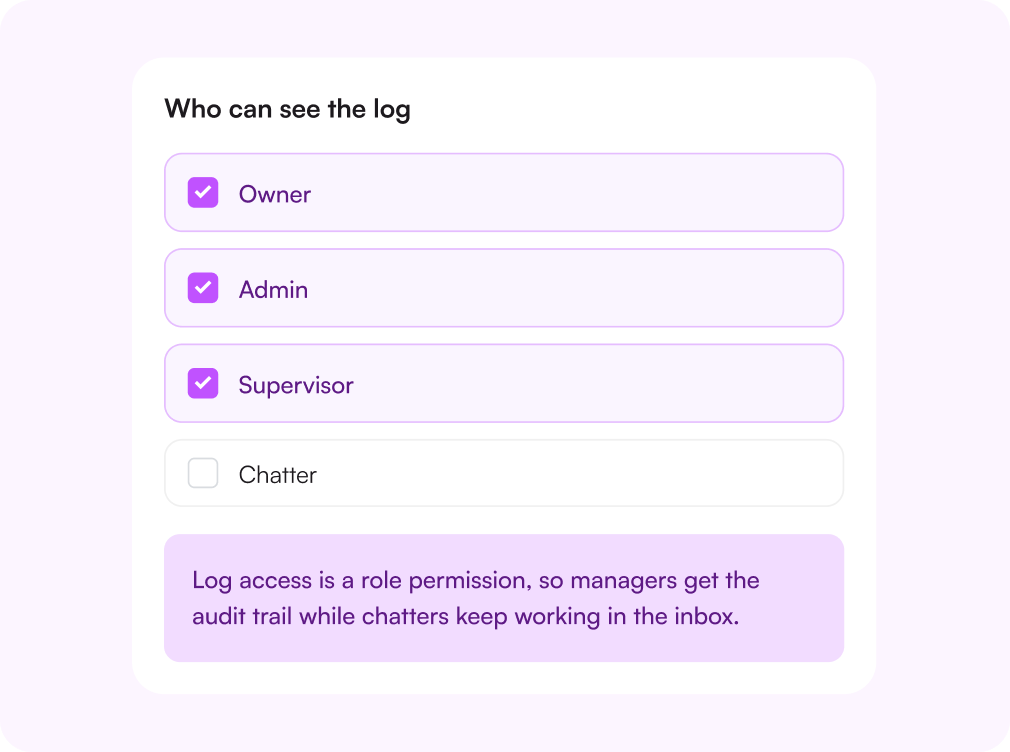
Access controlled by role
The log lives on your team page and is available to owners, admins, and supervisors. Permissions decide who can review activity, which matters when the same workspace holds several clients and several chatting teams.
Export when you need a record
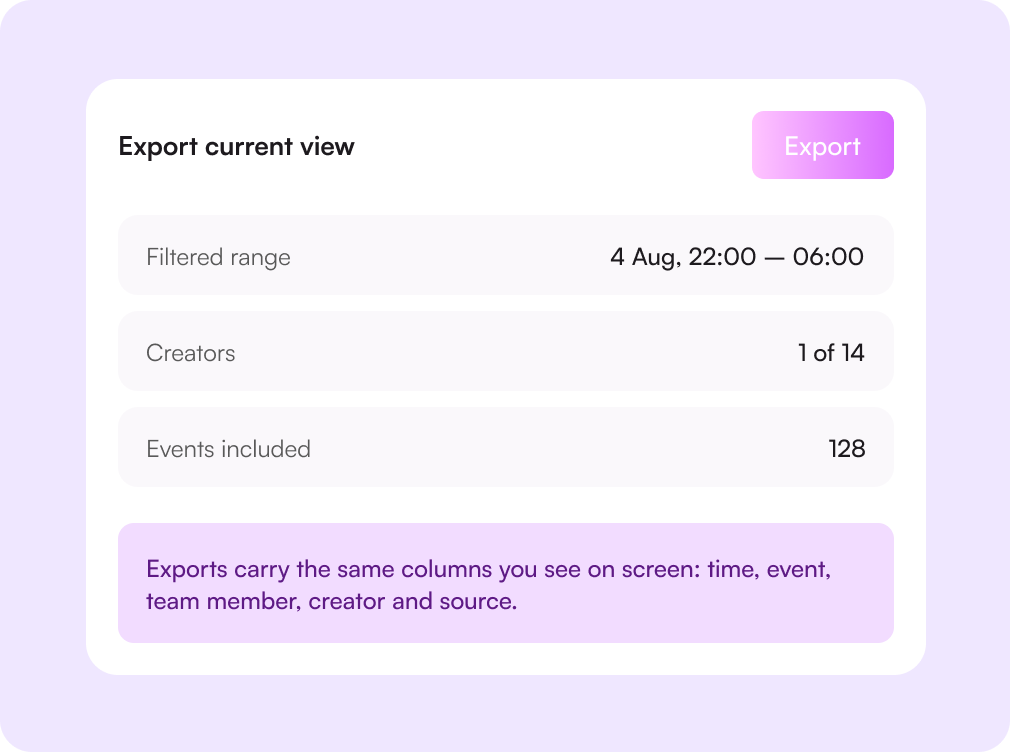
Take any filtered view out of the app as a file. Useful for client reporting, payroll disputes, onboarding reviews, and conversations where "who sent this" has to be answered with evidence rather than opinion.

Challenges solved by the activity log
"Who sent that message?"
Every event has a name on it
Sends, unsends, mass messages, and bumps are attributed to the team member who performed them, with the exact time.
Client asks what happened to their account
A filtered view instead of a guess
Filter to the creator and the window in question, then export the result and send it.
Automations behaving unexpectedly
Izzy activity on the same timeline
When Izzy pauses a chat or escalates to a human, you can see it next to what your chatters did around it.
Sensitive data seen by everyone
Role permissions on the log itself
Owners, admins, and supervisors review the trail; chatters see the inbox they need and nothing more.
How the activity log works
Work inside Supercreator
Actions your team performs in the console and through the desktop app are captured as events.
Open the log
Find Activity and Messages on your team page, with the newest events first.
Filter the question
Pick the creator, the chatter, the action type, and the window you care about.
Export or act
Send the record to a client or use what you found to coach the shift.

Начните сегодня
Попробуйте 14 дней бесплатно. Настройка займёт всего 2 минуты — и вы сможете оценить AI-инструменты Supercreator.
Карта не нужна.
Запишитесь на демо
Мы покажем, как работает Supercreator, и поможем настроить ваш OnlyFans.
Наши эксперты не кусаются ;)

Тарифы — от $15 в месяц o
Ваш индивидуальный тариф — на странице цен
CRM Lite
Бесплатная CRM со всеми базовыми инструментами. Чаты, фанаты и команда — в одном месте.
AI-агент + CRM
Автоматизируйте чаты и экономьте часы каждый день: AI отвечает, продаёт и держит фанатов вовлечёнными.
CRM Premium
Растите на OnlyFans с лучшей CRM, автоматизацией и AI-инструментами.
Frequently Asked Questions
Couldn't find an answer?

