


Your whole operation on one screen
The Dashboard is the first thing your team opens. Live metrics from the last hour, revenue against the previous period, what AI and automations earned, who is selling, and every risk worth acting on today.


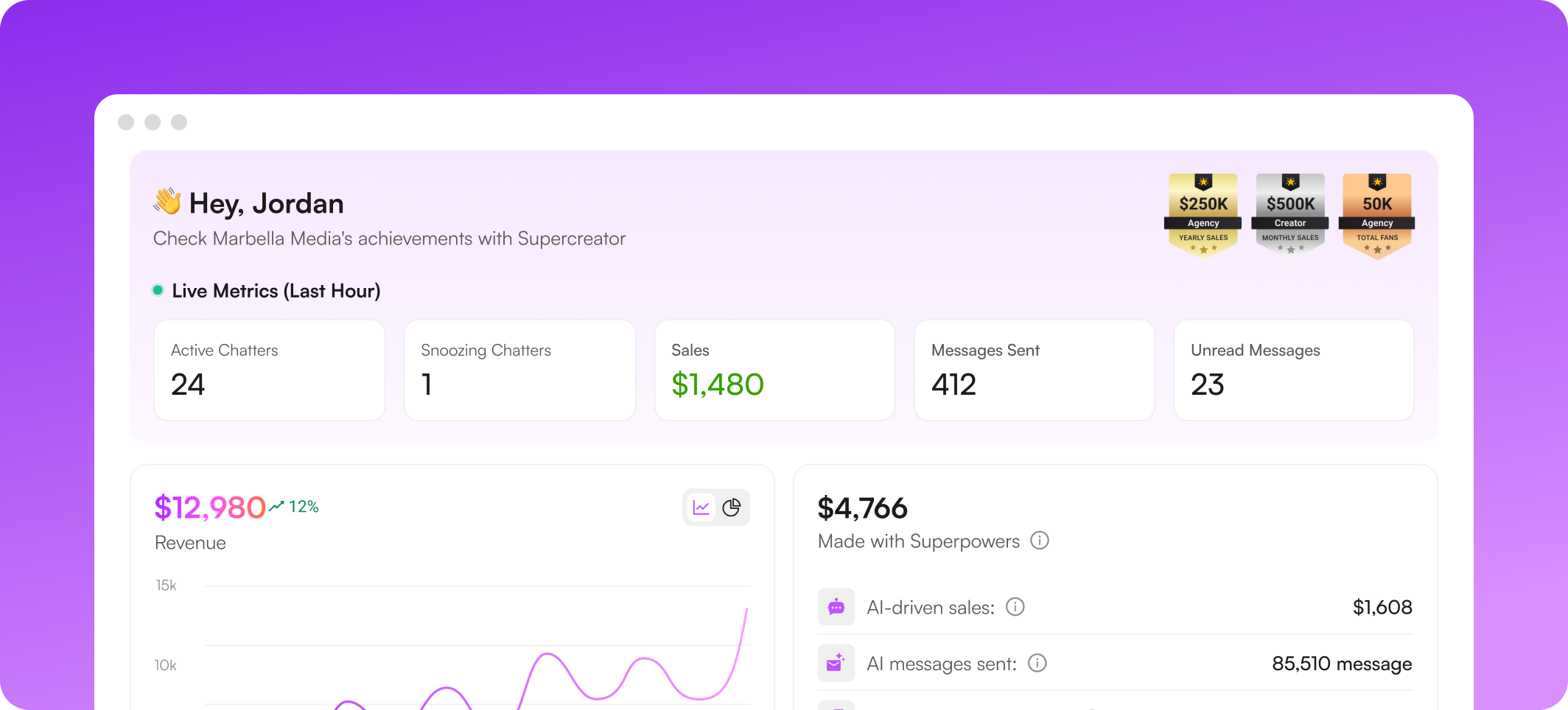
What you can see on the dashboard


Know what is happening right now
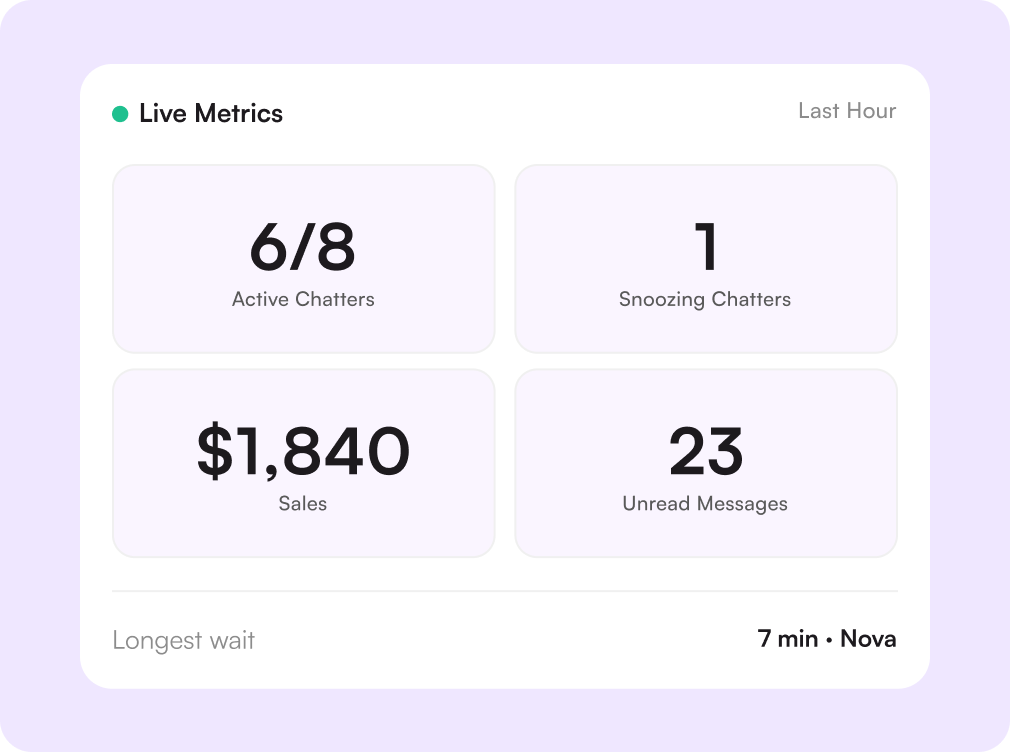
Live metrics cover the last hour: how many chatters are on shift, who is snoozing, sales taken, messages sent, and how many fans are still waiting for a reply. A manager can tell at a glance whether the shift is running.
Revenue against the previous period
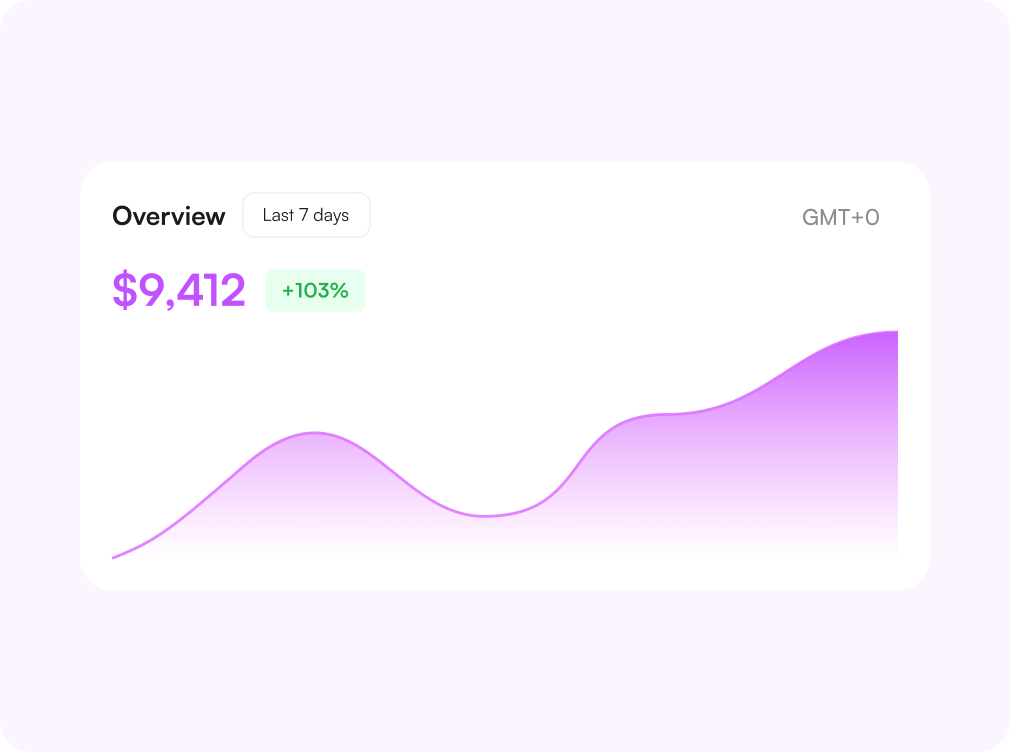
Pick a range, and the Overview shows revenue before the OnlyFans cut, the daily average, and the change against the previous period. Every number is anchored to a timezone so shift reports and payouts line up.
See what AI and automations earned
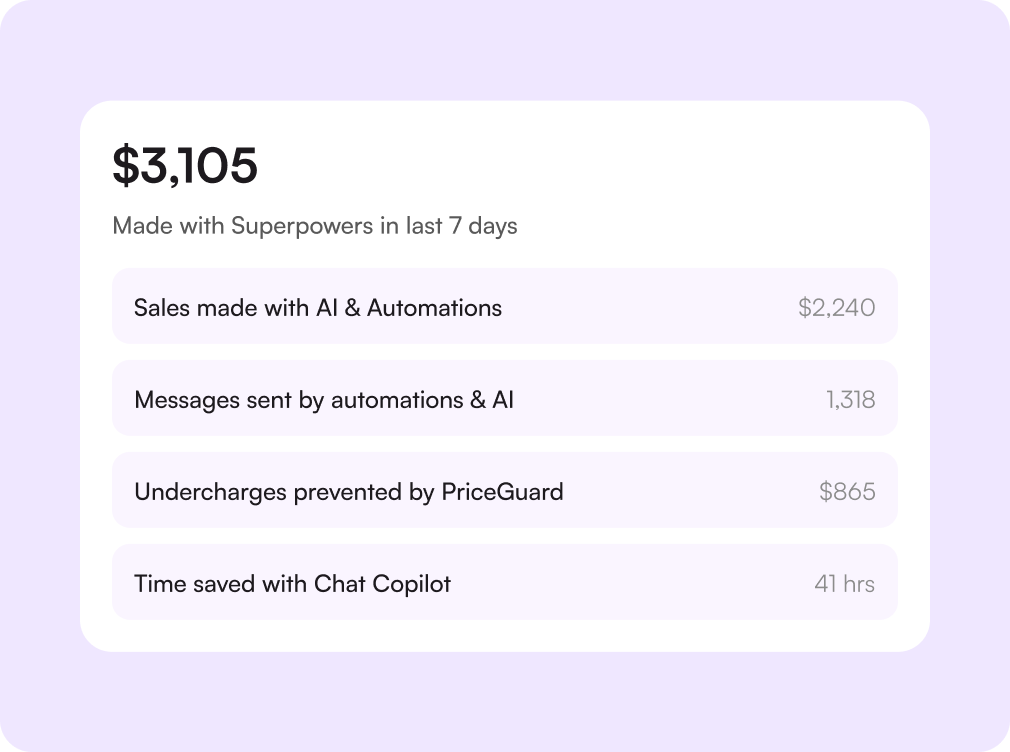
The Superpowers panel separates revenue made with AI and automations from the rest, counts the messages they sent, and totals the undercharges that PriceGuard prevented. The value of the tooling is a number, not a feeling.
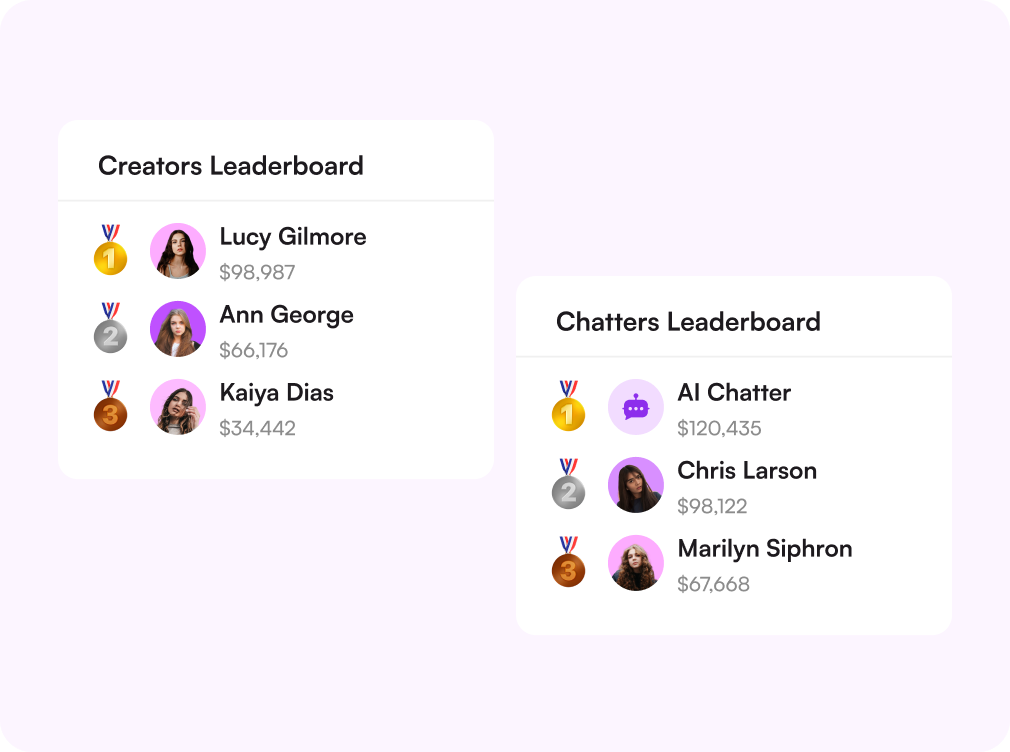
Rank your chatters and your creators
Two leaderboards sit side by side: chatters by messages sent and revenue; creators by what their page earned. Bonuses, shift assignments, and which page needs attention all start here.
Catch risks before they cost you
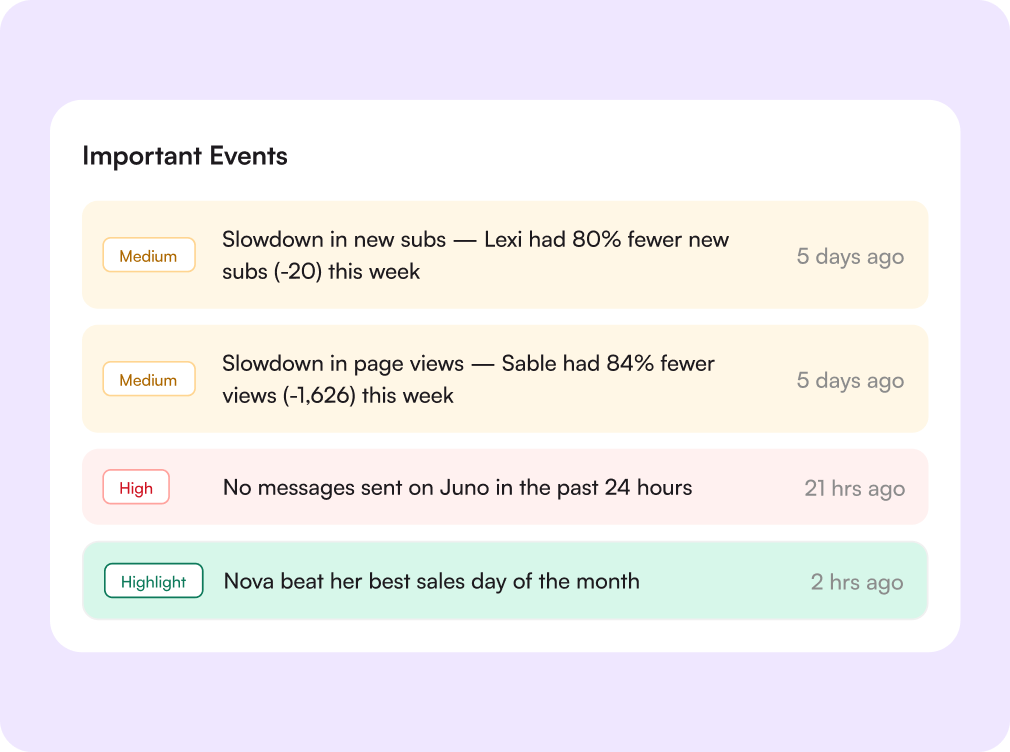
Important Events flags slowdowns in new subs, drops in page traffic, and accounts nobody has messaged. Each alert carries the account and the time, and you can dismiss the whole list once it is handled.

Challenges solved by the dashboard
Reports built by hand every morning
One screen, already current
Revenue, messages, fans engaged, and team performance are in place before your first coffee.
No idea whether the shift is covered
Live metrics from the last hour
Active chatters, snoozing chatters, and unread messages tell you if anyone is falling behind.
Arguments about who sold what
Leaderboards settle it
Messages sent and revenue per chatter, per creator, over the range you choose.
Problems found a week too late
Risk alerts surface daily
Traffic drops, sub-slowdowns, and silent accounts are flagged with the account and the time.
How the dashboard works
Connect your creators
Every linked account starts reporting sales, messages, and traffic to one workspace.
Set your range and time zone
Pick the period you manage against, and every card recalculates, including the comparison.
Read the shift
Live metrics and leaderboards show who is on, who is selling, and who needs help now.
Act on the alerts
Work the risk list, then dismiss it. Tomorrow's list only carries what is still open.

Начните сегодня
Попробуйте 14 дней бесплатно. Настройка займёт всего 2 минуты — и вы сможете оценить AI-инструменты Supercreator.
Карта не нужна.
Запишитесь на демо
Мы покажем, как работает Supercreator, и поможем настроить ваш OnlyFans.
Наши эксперты не кусаются ;)

Тарифы — от $15 в месяц o
Ваш индивидуальный тариф — на странице цен
CRM Lite
Бесплатная CRM со всеми базовыми инструментами. Чаты, фанаты и команда — в одном месте.
AI-агент + CRM
Автоматизируйте чаты и экономьте часы каждый день: AI отвечает, продаёт и держит фанатов вовлечёнными.
CRM Premium
Растите на OnlyFans с лучшей CRM, автоматизацией и AI-инструментами.
Frequently Asked Questions
Couldn't find an answer?

