


.png)
Starting a conversation, testing intent, handling price hesitation, reopening a stalled chat, or redirecting without killing the vibe—these moments happen daily, whether you are chatting solo or managing a team.
Message and script templates are saved CRM messages built for those situations, including structured sexting scripts tied to specific paid content. Instead of rewriting replies every time, teams rely on reusable message flows that cover small talk, sales moments, and boundaries inside one controlled system.
On OnlyFans, “scripts” often mean scenario-based sexting flows built around pre-created media. The conversation feels live to the fan, while the chatter follows a prepared structure linked to existing content.
What Are OnlyFans Message And Script Templates?
OnlyFans message and script templates are pre-written replies that creators and agencies save and reuse while chatting with fans. They are built to handle common chat situations that come up repeatedly, rather than being written from scratch every time.
Chatters and AI tools use these templates during live conversations, either by selecting them manually or triggering them automatically based on fan behavior, message intent, or conversation stage. This allows teams to maintain speed and consistency without relying entirely on manual message selection.
In Supercreator’s OnlyFans CRM, these templates live inside the Message Library. They can be simple text replies or messages that include attached media and pricing, such as PPVs.
Chatters and AI tools use these templates during live conversations, either by selecting them manually or triggering them automatically based on fan behavior, message intent, or conversation stage. This allows teams to maintain speed and consistency without relying entirely on manual message selection.
Templates are managed in one central place and shared across the account or team. Instead of writing a new message for each conversation, chatters rely on these saved messages to handle routine chats, sales moments, and boundaries in a controlled way.
How Message Templates Are Used In Daily Chat Operations
In daily chat operations, templates function as structured starting points rather than rigid scripts. A chatter or AI system selects a saved message that matches the situation, then sends it as-is or adapts it slightly based on context. This approach balances speed with personalization, especially in high-volume environments where consistency and response time matter.
Common operational uses look like:
1. Selecting a saved reply instead of typing manually
Chatters pick a template from the CRM library for common situations like greetings, follow-ups, PPV captions, and boundary replies. This reduces the amount of original writing required per conversation and keeps replies moving across many chats at once.
2. Keeping wording consistent across team members
When multiple chatters work the same account, templates keep wording stable across shifts. The same prompts, sales language, and boundary responses show up consistently regardless of who is replying, because everyone is pulling from the same library.
3. Sending PPVs faster when templates include media and pricing
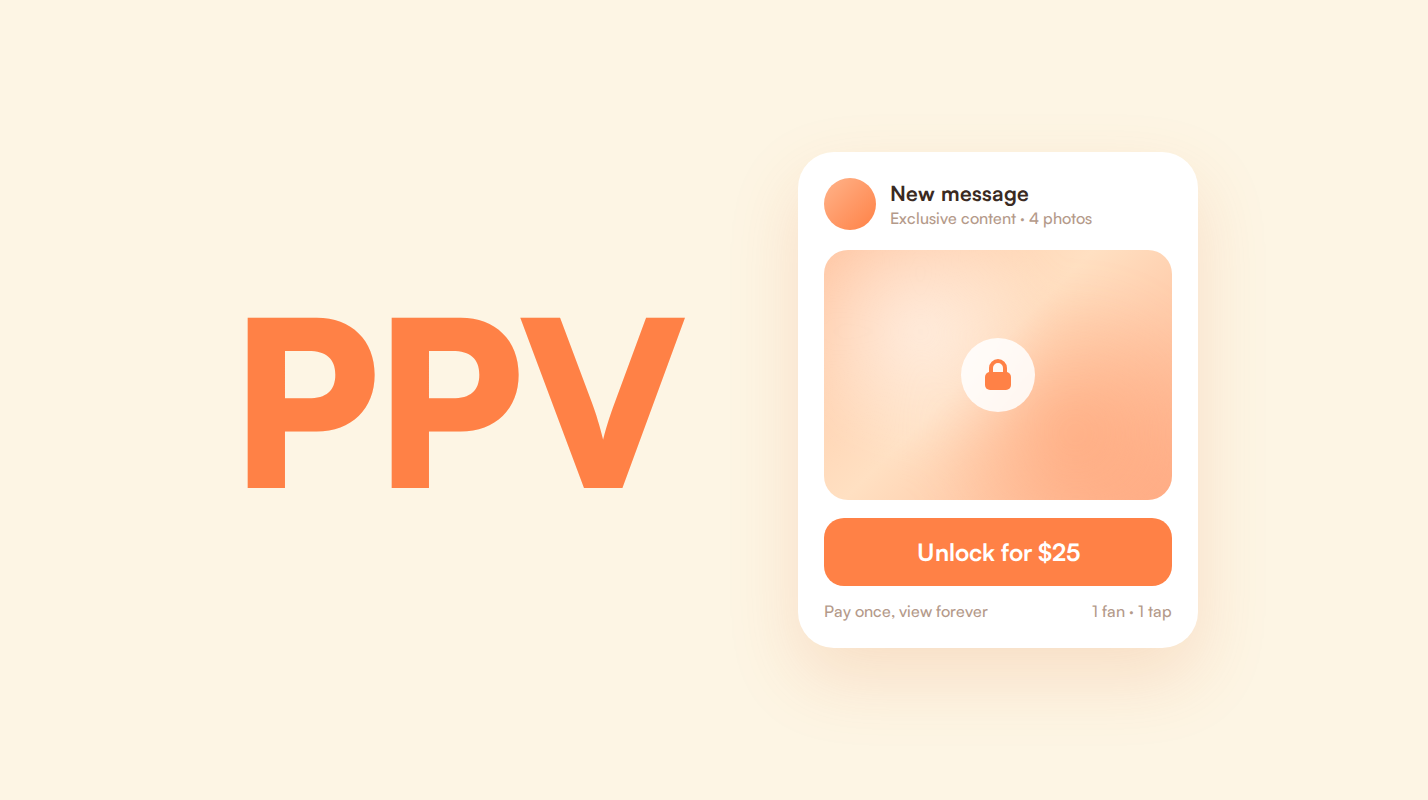
Some templates are set up with media attached and a price already set. In those cases, the chatter is not building a PPV from scratch each time. They are selecting a ready message and sending it, which speeds up PPV delivery and standardizes captions and pricing.
4. Reusing the same templates across fans and sessions
Templates are reused across different fans and across repeat sessions with the same fan. The point is repeatability. The chatter is not writing a unique message for each conversation. They are applying a known message pattern whenever the situation matches.
5. Updating templates centrally so changes apply immediately
When something needs to change, like tone, wording, media pairing, or pricing rules, the template is updated in the library. After that, everyone on the team is using the updated version the next time they select it.
Message Categories Commonly Stored In A CRM
Inside a CRM, message templates are usually grouped by purpose. This structure helps chatters quickly find the right message for the situation they are handling without scanning through unrelated replies. Categories are based on how messages are used during conversations, not on tone or creativity.
These are the core message template categories teams rely on most in a CRM environment:
Sexting and scenario flow templates
These templates are structured sexting scripts built around pre-created content. Instead of improvising every message, chatters follow a prepared scenario flow that matches specific media already stored in the vault.
In many cases, the scenario is framed as happening in real time. A conversation might start casually, such as coming back from the gym or relaxing at night, and gradually shift into a paid moment that aligns with content already prepared. The fan experiences the interaction as live, while the team follows a controlled sequence designed in advance.
Small talk templates
These templates are used at the start of conversations or during casual back-and-forth. They are typically short, reusable replies that help keep chats moving during low-pressure moments without requiring custom writing each time.
Qualification and intent discovery templates
These templates are used to understand a fan’s interest level and spending intent. They often appear early in conversations or right before a PPV is introduced, helping chatters consistently gather context.
Negotiation and price resistance templates
These templates are used when fans hesitate, question pricing, or ask for discounts. Storing these replies centrally ensures pricing conversations are handled consistently across chatters and shifts.
Ghosting and re-engagement templates
These templates are used when a fan stops replying or goes inactive. They are reused across many fans and sessions to reopen conversations without restarting chats manually.
Boundaries and content limit templates
These templates are used to respond to requests that fall outside content limits. They help chatters handle refusals and redirection consistently while keeping conversations controlled and safe.
Managing Templates Inside A Message Library
In Supercreator, message templates are stored in the Message Library. This is where all saved replies and media-attached messages are created, edited, and managed.
Each template has a title that identifies its purpose. Titles make it easier for chatters and AI tools to find the right message quickly during live conversations using search or autocomplete.
Templates can be grouped into folders based on how they are used. This helps organize messages by chat situation and keeps the library manageable as the number of saved replies grows.
Templates can also be assigned to specific accounts or shared across multiple accounts. This allows teams managing more than one OnlyFans account to control which messages are available in each chat.
Using personalization fields in templates
Templates can include personalization fields that pull data from a fan’s CRM profile, such as name, recent activity, or engagement status. When information is missing, predefined fallback values are used automatically.
This allows templates to remain reusable at scale while still feeling individualized. In modern setups, personalization fields are often combined with AI-driven adjustments that fine-tune tone or phrasing without changing the core message structure.
Templates with attached media and PPVs
Templates can include attached media with predefined pricing or pricing rules. These messages are used to send PPVs without rebuilding the content each time.
Depending on the setup, pricing can be fixed, dynamically adjusted, or assisted by AI pricing logic. This allows teams to standardize media and captions while still adapting price points based on fan behavior or account strategy.
Maintaining and updating message templates
Templates are reviewed and updated as workflows change. Messages that no longer fit the current tone, pricing, or limits are removed.
Folders are adjusted over time to reflect how chats are handled. Because templates are managed centrally, changes apply immediately the next time a message is used.
Why Templates Matter More in 2026 Than Before
As AI co-chatting becomes more common, platform enforcement tightens, and fan expectations rise, message templates play a different role than they did a few years ago.
Templates now act as guardrails. They define what the AI-powered chat tool can say, how pricing is framed, and where boundaries are enforced. Instead of improvising replies at scale, teams operate within a controlled messaging system.
This is especially important when using an OnlyFans AI-powered chat tool or other OnlyFans bot setups inside a CRM. Templates shape tone, protect compliance, and prevent inconsistent offers across shifts. Under scale, structure matters more than creativity alone.
In practice, templates turn messaging from reactive improvisation into a repeatable, monitored workflow that supports both automation and human chatters.
Bringing Message Templates Into Daily Chat Operations
Once chat volume increases, message templates stop being a productivity shortcut and become infrastructure. They enable AI tools to operate safely, keep teams aligned across shifts, and ensure pricing, boundaries, and tone remain consistent under scale. Without templates, automation breaks down, and manual oversight increases.
Using a CRM to manage these templates keeps everything centralized and usable during live chats. In Supercreator, the Message Library is where teams organize, update, and reuse messages across accounts and chatters. For creators and agencies working at scale, this setup turns message templates into a practical part of daily operations rather than something tracked in external docs or spreadsheets.




.png)

