


.png)
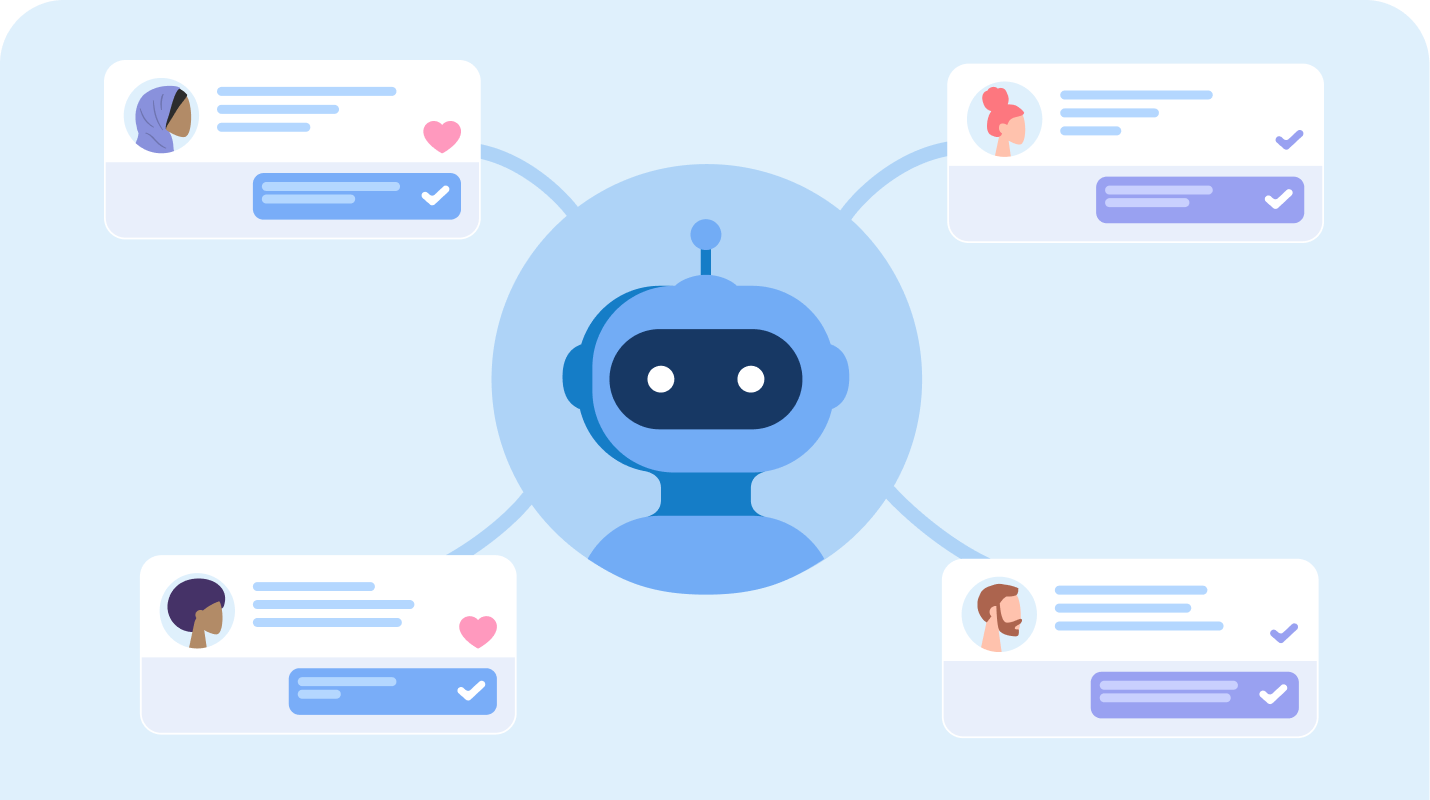
However, turning conversations into sales is not exactly a walk in the park when you have a surge of DMs. And let’s not forget that most of your subscribers are in different time zones.
Now, this is where AI chatting comes into play, keeping conversations alive and helping turn fans into buyers. The best part is that AI chat tools are available to handle DMs at any time of the day, so it doesn’t matter which time zone your fans are in.
This guide explains how creators actually use AI chat tools to warm fans up, stay consistent, build loyalty, and sell more.
What AI Chatting Does for OnlyFans Creators
Simply put, AI chatting makes it a bit easier to manage your OnlyFans account. But don’t take our word for it - here are some solid reasons why creators are adopting AI chatting:
It replies for you when you're offline
Think of your preferred AI chatting tool as your personal assistant. It helps to handle replies while you’re away from your account. AI tools like Supercreator’s Izzy can learn your chatting style, including your quirks and preferred lingo. When configured properly, AI chats can feel natural and on brand to fans by following your tone, phrasing, and messaging patterns.
Keeps conversations active
Momentum is everything when turning chatting into sales. A cold or inactive conversation is often a sign that you’ve lost a sale. AI chatbots solve this issue by sending check-up messages when the conversation is going cold. The bot may ask about updates concerning previous conversations.
Sounds like you (matches tone and style)
Advanced chatbots can mimic everything about you, including those little quirks, tone, and style. Supercreator’s Izzy keeps records of your chat history and may reply based on the context of previous conversations.
Reacts to likes, tips, and unlocks
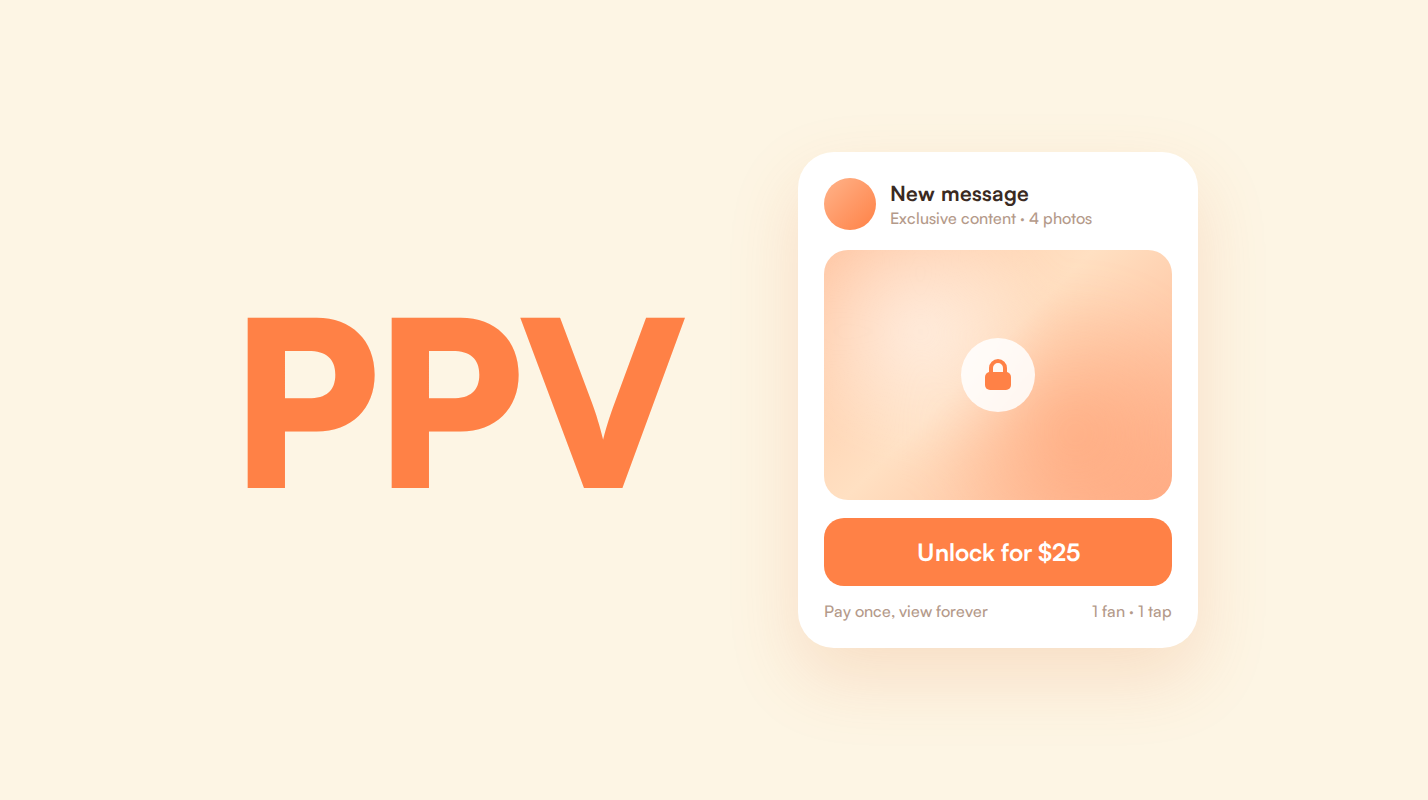
An AI chatbot automates reactions to a fan’s activity on the platform. For example, it may send something like “thank you, babe, 😘” when your fan tips you during a livestream. Another example of a smart chatbot is that when a fan unlocks a PPV, the bot would send something along the lines of, “Oh, you’ll love this one...tell me what you think.” This feature encourages more conversations, which may convert to sales along the way.
Moves chats toward sales naturally
AI chatbots do not get pushy or salesy. Some advanced bots can recognize clues and signals that come up when fans are ready to make a purchase. Keep in mind that in some cases, these signals won’t be as obvious as, “Do you have customs?” Instead, the message would be something like “what’s available?” In such instances, you can set the bot to notify you or to send a custom price list.
Saves hours of small talk: It gradually gets boring having to make small talk with dozens or hundreds of fans in the DM. So, AI handles this boring part and gradually nurtures the fans until they’re ready to make a purchase. The best part is that the bot can use a variety of small talk depending on the fan’s preferences.
How to Use AI Chatting Step-by-Step
It’s all about how you set up your AI chatbot. The right setup can reduce stress and workload while improving sales. However, the wrong setup can cause issues for your account. Here’s a step-by-step guide to follow when setting up an OnlyFans chatbot:
Step 1: Set Your AI Chat Rules
In this context, “rules” are the habits and personalities that guide your preferred bot. The rules could range from setting the bot’s active hours to choosing a preferred chat style. So, here are a few rules to set for your bot:
Determine the active hours: Chatbots are generally active all around the clock. But you may decide to let it run when you sleep or are unavailable on the platform.
Define the audience segment for the bot: You may use chatbots to warm up conversations with new or free subscribers. This is usually the point where you set up a template for welcome messages and light banter. In contrast, you might set up a rule that the bots must hand over chats to you when the fans have spent above a specific threshold. The Supercreator’s Izzy has a dashboard where you can monitor fans’ spending habits.
Select your tone and chat style: Izzy automatically mimics your chat style and tone. The bot relies on previous chat history and further instructions. You may also use specific themes based on each fan’s preferences.
Establish the don’ts: Some OnlyFans bots are already set up to avoid words that might trigger the platform’s algorithm. For instance, the bot may avoid using flagged words like “PayPal” or “underage.” When choosing a tool, creators should look for bots that allow restrictions around sensitive terms or enable forwarding of certain conversations for manual review, rather than engaging automatically.
Step 2: Let AI Handle Warm-Ups and Small Talk
The job of your AI chatbot is to handle the small, repetitive chats like welcome messages. For example, when your fan sends “hey” at 3 am, your AI bot would instantly respond and keep the chat alive until you wake up and take over.
You can also program it to initiate contact when fans take specific actions. For example, it can send a message when a fan likes a post or leaves a comment. This step allows you to easily turn a passive action into a potential sale. For example, when a fan likes a post, the bot may leave a response like, “Thanks for the love on that post. See anything else you like?”
Worried about a mismatch in vibes? Advanced OnlyFans bots like Izzy will automatically mirror the fan’s vibe. It might reply in a casual tone or use slang when the fan uses an informal tone. The best part is that it uses previous chats as a template to set the tone.
Natural delays are another aspect of this step. It’s often suspicious when the bot sends a reply as soon as a fan drops the message. So, you may customize the bot to delay for a few seconds to a few minutes before dropping a reply. There are also options where you set up a slightly faster response rate for high spenders.
Step 3: Use AI to Pre-Sell PPVs
This is where the AI chatbot moves from normal chats to a sales assistant. Advanced bots typically understand how to nurture leads before proposing PPVs without being salesy.
Here’s how it works:
The OnlyFans bot builds genuine rapport by learning the fan’s specific interests and themes like ASMR and role play. Once a connection is established, the bot may subtly hint at content that matches the fan’s moods or interests.
Note that the bot may rely on previous or current chats to determine the interests. It can also push teaser content for free and add a call-to-action to encourage the fan to ask for the full content.
Step 4: Let AI Resell Older Content Automatically
Based on predefined rules, the bot can recommend or resurface older content with updated pricing or positioning. Instead of content sitting idle, selected clips may be reintroduced to fans who are more likely to be interested, such as newer subscribers or fans who have engaged with similar themes in the past.
The bots do not spam your entire fan list. It will offer the product to fans who are most likely to buy each specific piece of content. Fans who are interested in cosplay will receive relevant throwback content.
This way, you get to create an automated income stream from content that would otherwise sit idle.
Step 5: Track Fan Behavior to Improve Chats
Yes, your AI OnlyFans bot is more than a chat tool. Some tools adapt based on chat history, rules, and fan behavior data. The tool creates a detailed profile for each fan and records every interaction, including messages, expressed preferences, and likes. It might also contain information on who buys more content within a specific period.
OnlyFans bots may offer a central dashboard via which you can view all collated data. For instance, the Supercreator CRM board features fan segmentation tools based on factors like spending habits and preferences. This way, you can identify the whales or low spenders, let’s say.
Most importantly, it also reveals where your personal touch is needed. For example, it would flag conversations when the fan spends up to a certain amount or when they show a strong buying intent.
Best Practices for Using AI Chatting
OnlyFans AI bots are a powerful asset, but only to creators who understand how to use them. Here’s how you can make the most of AI chatting:
Review AI chats daily: Consider using at least 30 minutes every day to review your DMs. Look for awkward replies or missed opportunities. This little audit helps you to refine the bot’s rules and tone. Tools like Supercreator also offer a mobile app, which makes reviewing and adjusting chats easier when you are away from your desktop.
Update the tone or rules often: Your identity isn’t static, as you will always have a new interest every now and then. So, apply this to your chatbot by adding new personas or themes as you discover new interests.
Add new PPVs for AI to use: Every few weeks, you may want to change your sales hook or pitch for selling new PPVs. This ensures that your fans remain interested in what you have to offer. Aim to cook up different PPVs instead of recycling old ones.
Jump in manually for whales and custom buyers: Never make the rookie mistake of letting AI fully handle chats with high spenders. You should program the bot to notify you after the initial small talk with fans in that category. Also, have the bot flag conversations where the fans ask for custom content.
Pair AI with voice notes or photos for authenticity: Pair AI with voice notes or photos for trust: Add occasional voice notes or casual photos, especially with higher intent fans or custom requests. This helps confirm it is really you behind the account, builds confidence, and keeps the conversation feeling personal.
Turning Conversations Into Consistent Sales
With the right strategy, AI chatbots can be the perfect assistant. They keep conversations active, boost sales automatically, and free creators to focus on filming and connecting. This way, you can shift your focus from repetitive small talk to what truly grows your brand.




.png)

